Four short tutorials, start to finish
Each one is a recording of the app with captions, a written transcript and the steps in plain text. They follow one fictional example, Alex Demo, so you can watch them in order or jump to the task you need.
These tutorials show a fictional example. Alex Demo, Demo Workplace Services and the job posting are invented, and nothing is sent to any employer.
-
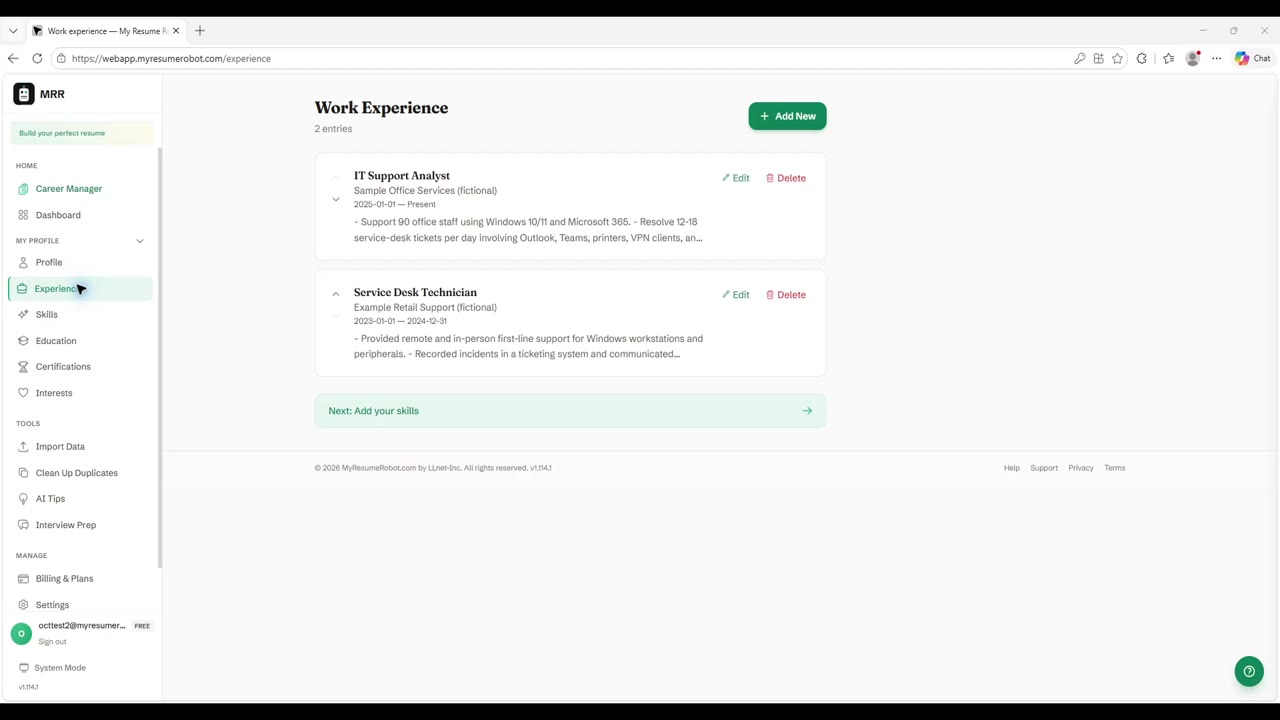
Tutorial 1 of 4 · 1 min 34 sec
Build your career profile
Start with a CV you already have. MyResumeRobot reads it into a career profile you can review and edit. You can also enter your experience and skills manually.
-
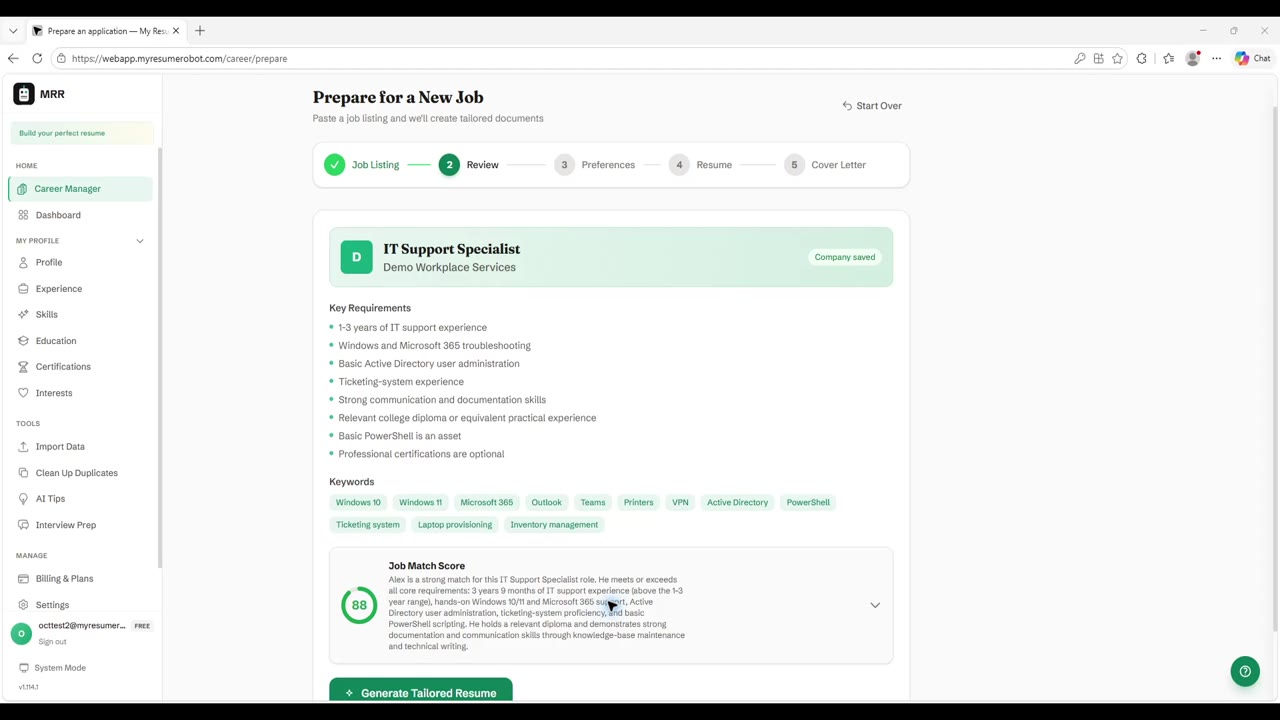
Tutorial 2 of 4 · 1 min 12 sec
Add a job and understand the match
Add a posting, see its requirements, and compare them with the career facts you have recorded. If you left out a real detail, you can add it to your profile.
-
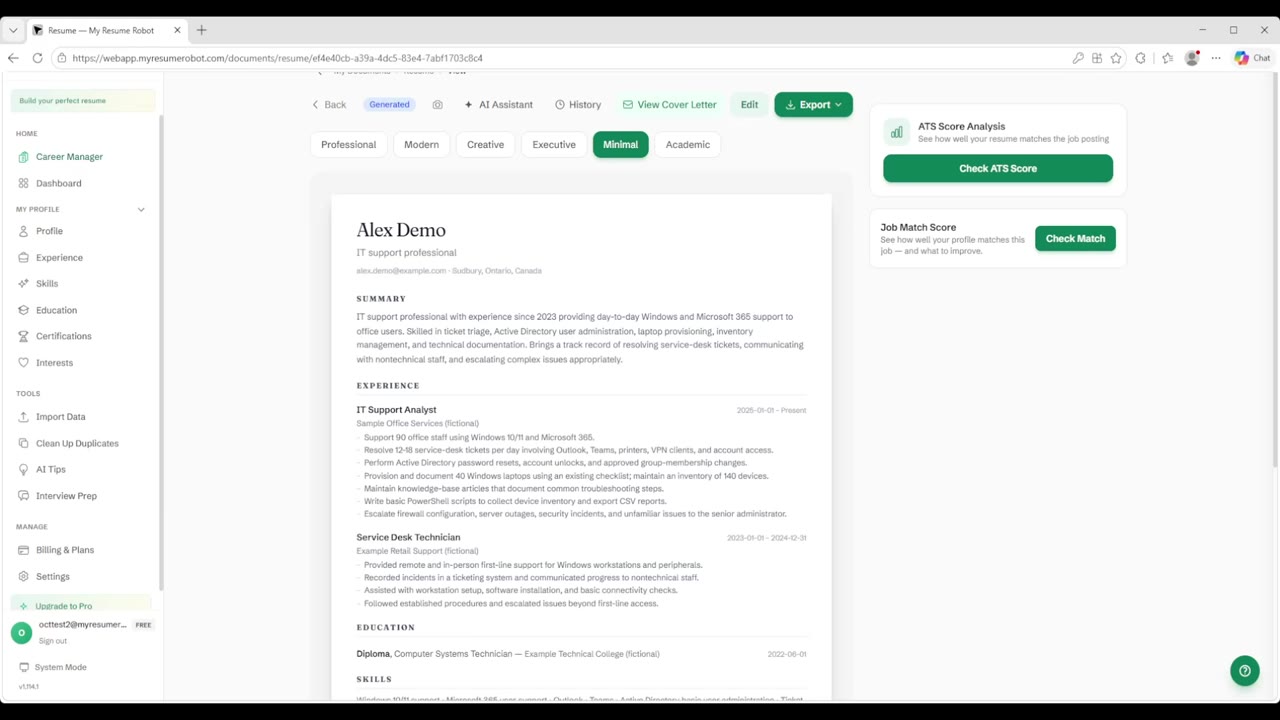
Tutorial 3 of 4 · 2 min 5 sec
Review and refine your tailored documents
Use your saved career facts to build a CV and cover letter for a specific job. Review the wording, make any changes you want, and download both documents.
-
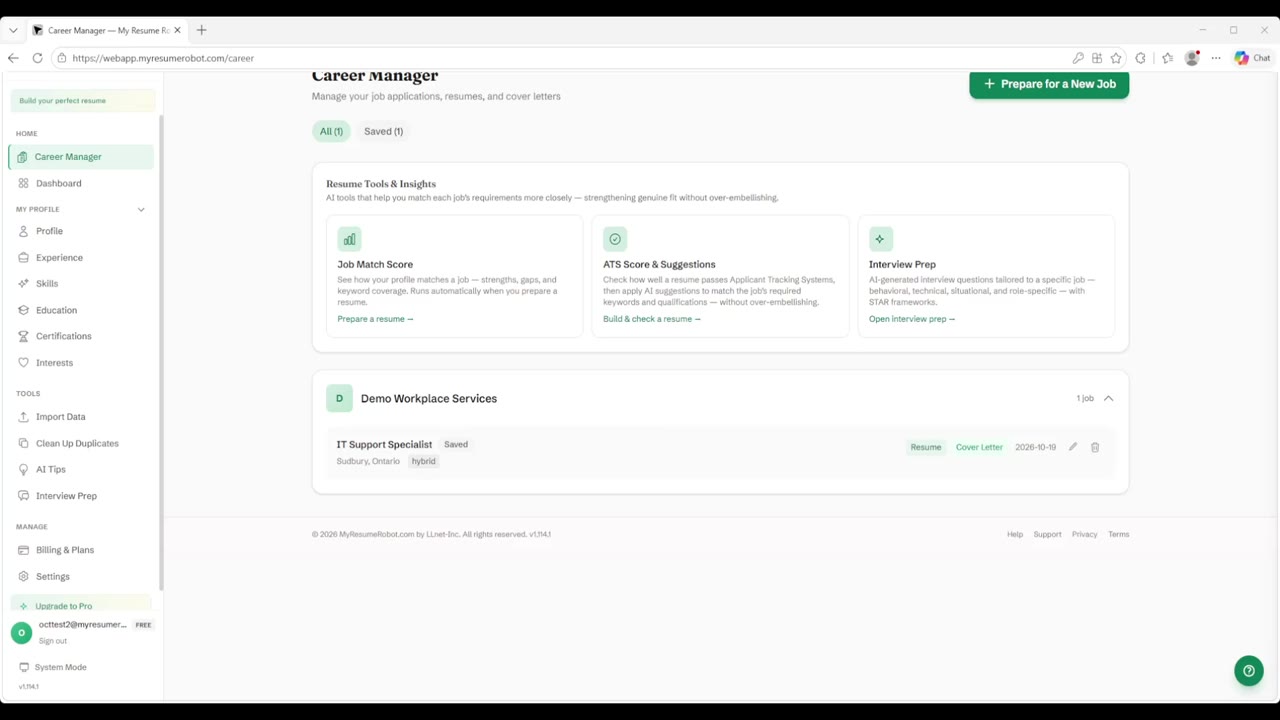
Tutorial 4 of 4 · 52 sec
Keep an application organized
Keep the job, its tailored documents, and your next steps together in Career Manager.
Try it on your own career
Build your profile once, add a job posting, and see what a focused resume and cover letter look like for you.
Try It Free